New data agent brings analytics and dashboards to ChatGPT Work
A new data agent in ChatGPT Work allows employees to query company databases using plain language.
2 min read, Friday, 11 September
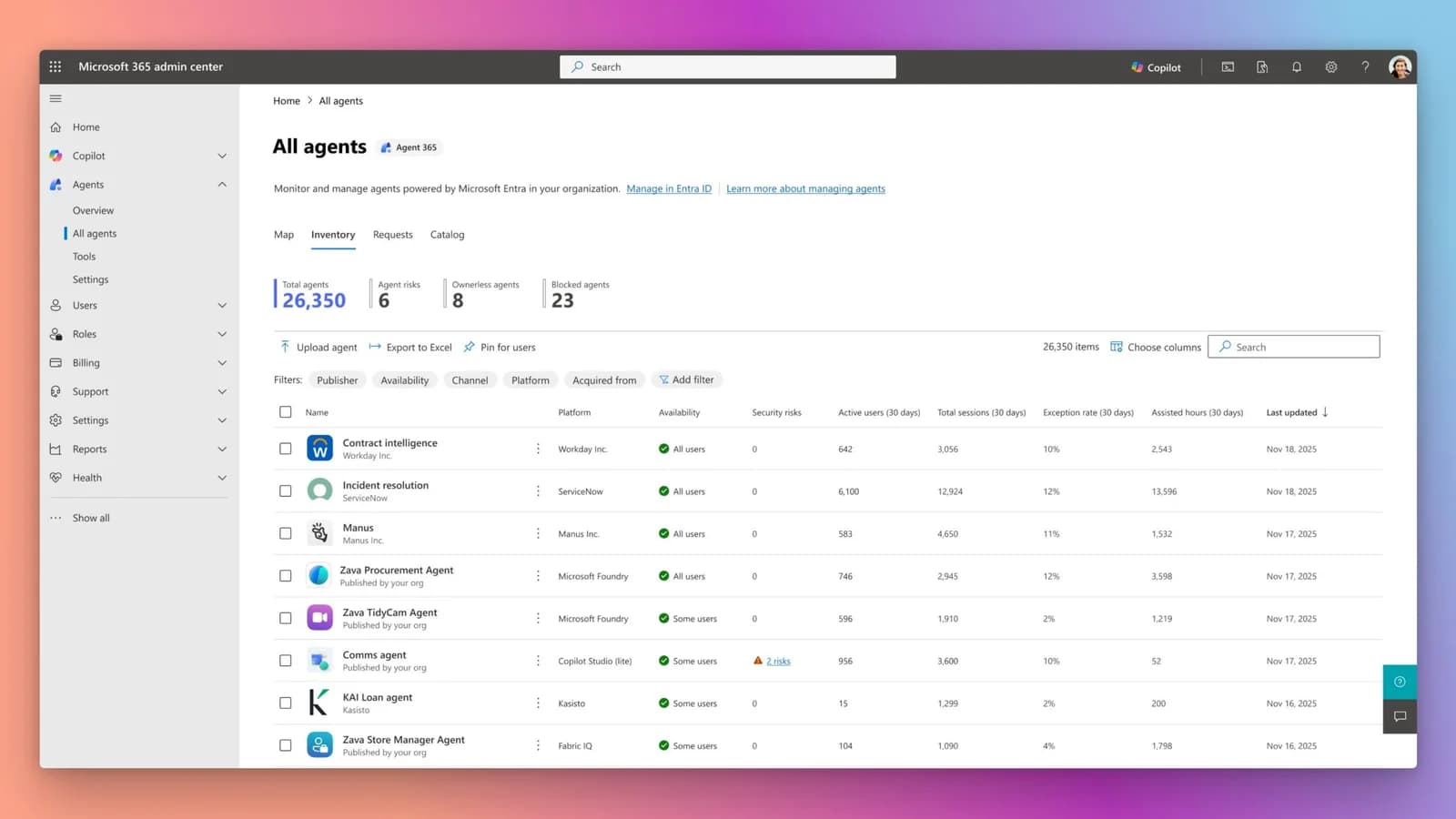
A new tool called the Data agent has been introduced in ChatGPT Work to help employees analyze business data without writing custom computer code or learning complex analytics programs. Workers can type plain-language questions into a normal chat conversation to investigate operational changes, examine sales pipelines, and review spending trends.
Key facts
- Release date
- September 10, 2026
- Platform 1
- Data Sources: Amazon Redshift
- BI Tools: Omni
- Platform 2
- Data Sources: Datadog
- BI Tools: Oracle BI
- Platform 3
- Data Sources: Google BigQuery
- BI Tools: Power BI
- Platform 4
- Data Sources: Snowflake
- BI Tools: Tableau
| Metric | Data Sources | BI Tools |
|---|---|---|
| Platform 1 | Amazon Redshift | Omni |
| Platform 2 | Datadog | Oracle BI |
| Platform 3 | Google BigQuery | Power BI |
| Platform 4 | Snowflake | Tableau |
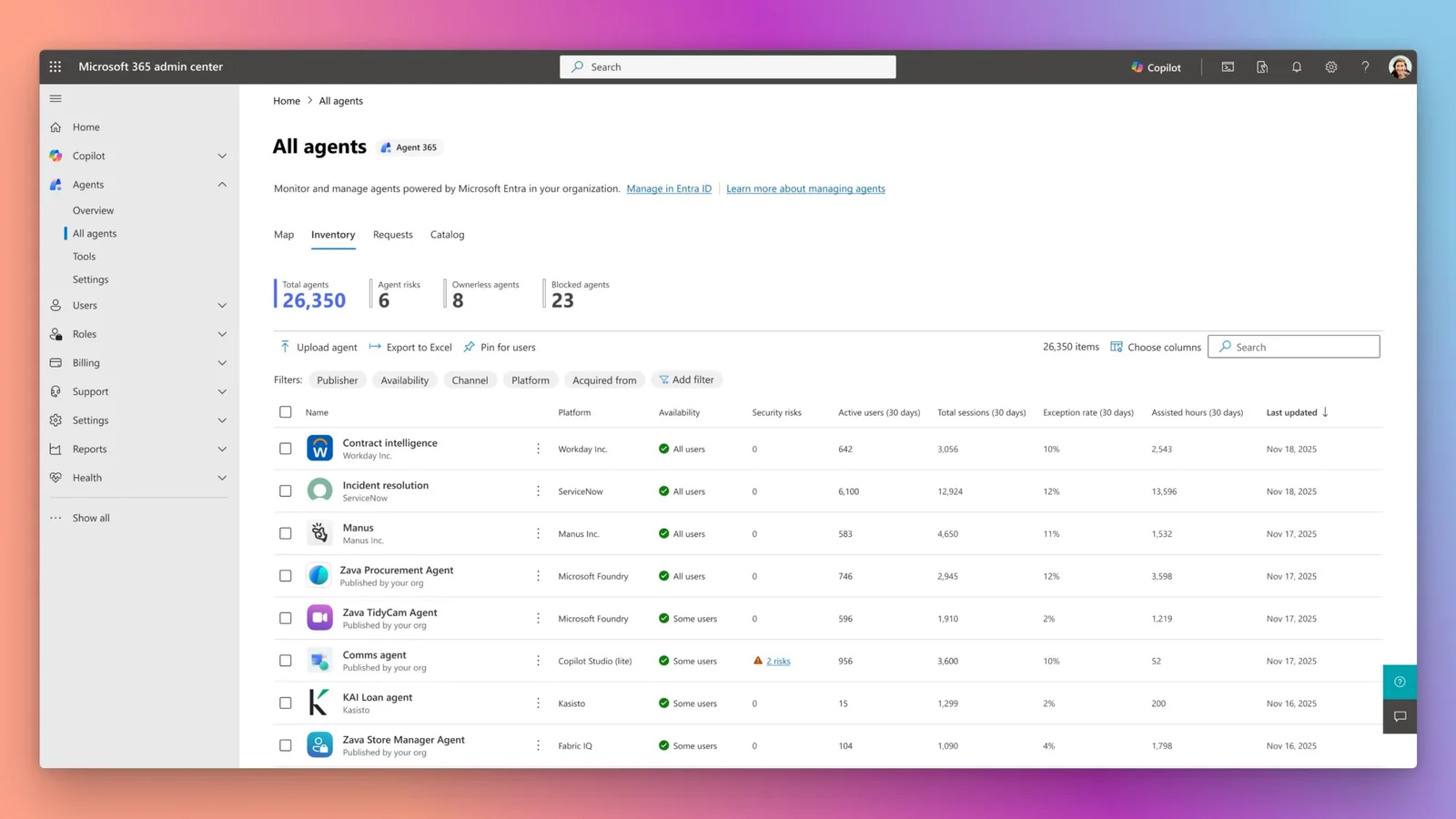
Connecting to enterprise data sources
The Data agent links directly to a variety of approved business databases and storage systems, including Amazon Redshift, Datadog, Google BigQuery, ClickHouse, Databricks, MongoDB, Snowflake, Redis, and G2. It can also ingest documents and files from Google Drive and SharePoint.
To interpret numbers accurately, the agent uses an organization's pre-established business terms, custom calculations, and metric definitions. This background knowledge is drawn from trusted semantic layers and metadata sources such as Databricks Genie Ontology, dbt, GitHub, Snowflake Horizon, and business intelligence dashboards.
Enterprise administrators control which data connections are available and assign permissions by user role. All queries respect the security rules of the connected account, keeping table, row, and column restrictions fully active.
Building dashboards and taking action
Once an analysis is complete, users can transform the findings into interactive dashboards equipped with built-in data visualizations. Brand guidelines can be shared with the system so outputs match an organization's visual style.
The assistant can also build and modify dashboards directly inside external business intelligence tools, including Omni, Oracle BI, Power BI, Sigma, Tableau, and ThoughtSpot. Workers can direct these updates through conversational prompts inside the software applications their teams already use every day.
Beyond generating charts, the Data agent can recommend follow-up actions, identify responsible personnel, and distribute findings via email or messaging platforms like Slack. Early adopters in the alpha testing program—including NTT Data, Thermo Fisher Scientific, ServiceTitan, Zipline, and Empower—have utilized the agent to spot reporting errors, refine seasonal spending plans, and track customer adoption metrics.
Getting started
Administrators can activate the tool by navigating to workspace settings and enabling the relevant data-source plugins. Individual users can locate the agent in the plugins directory, complete the required account connection steps, and begin querying by mentioning the handle in a chat message.
Source: Original announcement
Worth a read?

Comments